CHROME BOOKMARKS
Chrome Bookmarks: The Complete Guide to Saving, Finding and Organizing
Chrome bookmarks explained: save with Ctrl+D, search the Bookmark Manager, organize into folders, sync across devices, and fix dead links.

Founder, Bookmend
Nafiul Hasan is the founder of Bookmend. He builds tools that fix small, specific frustrations rather than reinvent them — Bookmend started after losing a decade of bookmarked research links to dead pages he couldn't get back. He writes here about link rot, how the Wayback Machine actually works, and what's real versus marketing in the browser-extension space.
Chrome bookmarks explained: save with Ctrl+D, search the Bookmark Manager, organize into folders, sync across devices, and fix dead links.
Step-by-step guide to deleting bookmarks in Safari and Chrome on Mac — single bookmarks, bulk delete, and how to undo accidental deletions.

Keyboard shortcuts and step-by-step instructions for bookmarking in Safari, Chrome, Firefox, and Edge on Mac — plus how to organize what you save.
Step-by-step guide to exporting your Microsoft Edge favorites to a bookmarks.html file — three methods, what the file contains, and where it saves.
Chrome has no per-tab hide button, but collapsible Tab Groups, fullscreen mode, and vertical tabs all reduce visible clutter. Here's what actually works.
Pocket shut down in July 2025. Here's how Instapaper stacks up as a replacement — what it offers, who it suits, and when to skip it.
Honest review of the OneTab Chrome extension in 2026 — features, data risks, and how it compares to Chrome's now-native Tab Groups feature.
Session Buddy review 2026: features, real complaints, how it compares to Chrome's native tab tools, and whether it's still worth installing.
If archive.org won't load, the problem is usually local. Here's how to diagnose it, confirm a real outage, and what to do while you wait.
Chrome stores bookmarks in a JSON file called Bookmarks inside your profile folder. Exact paths for Windows, Mac, and Linux, plus multiple-profile tips.
Turn on Chrome bookmark sync, understand what syncs and what doesn't, and fix common problems like paused sync or bookmarks missing on a second device.
Use Chrome's native Recent Tabs UI to see what was open on your phone from your desktop, and see recently closed tabs from your synced devices.
Keyboard shortcuts and step-by-step instructions for saving bookmarks in Chrome, Safari, Firefox, Edge, and mobile browsers — all in one place.
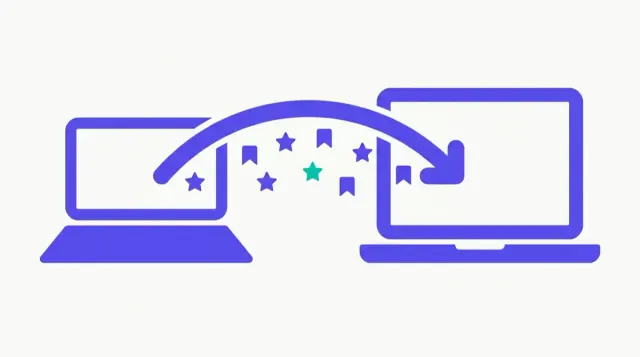
Two methods for copying Chrome bookmarks between computers: Google account sync and manual export/import — when to use each and how to do both.
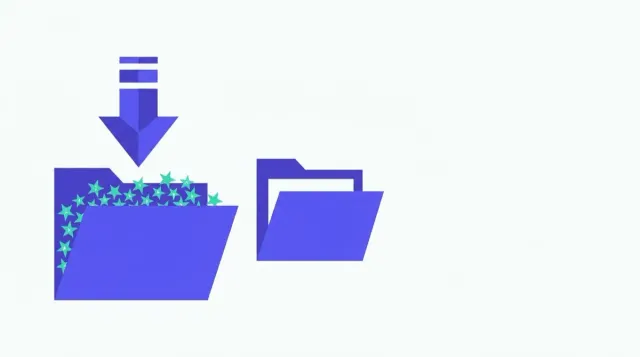
How to import a bookmarks.html file into Chrome: two import paths, what Chrome does with the file and its folders, and how to fix a failed import.
How to permanently remove the bookmarks bar in Chrome, Firefox, Edge, and Safari — keyboard shortcuts, settings paths, and what each option actually does.
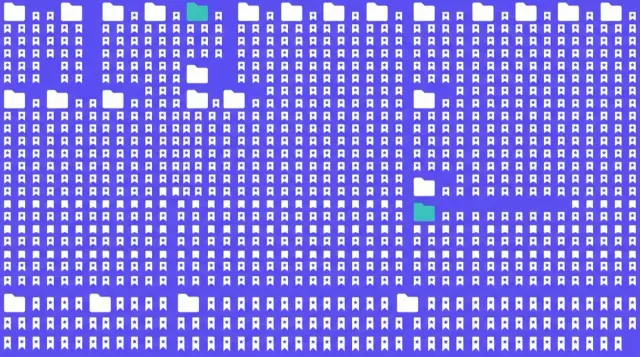
Folder strategies, Chrome search tips, cleanup routines, and honest advice on when a large bookmark collection has outgrown manual management.
Compare Linkwarden, Karakeep, Linkding, and Shiori — real self-hosted tools that run on your own server — and where Bookmend fits for a different use case.
Show or hide the Edge favorites bar using Ctrl+Shift+B, the Settings menu, or a right-click — with options for Always, Never, or Only on new tabs.
Find your bookmarks in Chrome, Firefox, Safari and Edge: the bookmark manager vs the bookmarks bar, and what to do if your bookmarks seem to have disappeared.
Show, hide, and organize Chrome's bookmarks bar with the keyboard shortcut, the three-option dropdown, folders, and drag-to-reorder — all covered here.
Bookmend's free tier is local-first: no account, no uploads, no ad network. Here's exactly what stays on your device and what the Pro sync sends.
Bookmend is on the Chrome Web Store. Brave, Edge, Arc, and Opera can all install it directly because they run on Chromium — step-by-step for each.
Step-by-step guide to finding, viewing, copying, and exporting saved passwords in Chrome, including checking for compromised ones.

Google Bookmarks (google.com/bookmarks) shut down September 30, 2021. This guide explains what that means and how to find your Chrome bookmarks today.
Chrome has no built-in broken-link checker. Here's the manual method, its limits, and how Bookmend automates detection and one-click recovery.
Four ways to save any webpage to your desktop in Chrome: Save Page As, print to PDF, MHTML single file, and browser extensions.
Pocket shut down in July 2025. Here are the best read-it-later and bookmark alternatives in 2026, with current pricing and who each one suits.
An honest review of Raindrop.io in 2026: what the free and Pro tiers include, what it does well, and who should actually pay for it.
Every Chrome tab keyboard shortcut: close, reopen, switch by position, jump to last tab, and close the window — with Windows and Mac keys.
Both Chrome extensions remove duplicate bookmarks and dead links. Here's what they each actually do, where they differ, and which to use.
Bookmend repairs Chrome bookmarks you already have. Karakeep is a self-hosted archive you build from scratch. Here's which fits your situation.
LazyCat Bookmark Cleaner and Bookmend both clean Chrome bookmarks. Here's how their dead-link detection, recovery, and search compare.
Bookmend repairs your existing Chrome bookmarks. Linkwarden is a self-hosted collaborative archive with page preservation. Here's the honest comparison.
Bookmend fixes Chrome bookmarks you have. mymind is a paid AI second-brain for saving everything without folders. Here's the honest comparison.
Drop your exported bookmarks.html into the free Rot Check tool. It parses the file locally and shows totals, duplicates and oldest saves in under a minute.
Bookmend finds the Wayback Machine snapshot closest to your original save date and lets you confirm it before replacing the dead URL. Here's how it works.
Pocket shut down in 2025. Here is how to move your exported Pocket links into Chrome bookmarks so Bookmend can scan and recover the dead ones.
Export your Raindrop bookmarks as HTML, import into Chrome, and Bookmend automatically indexes and rot-checks every link — no separate import step needed.

Bookmend's core features (full-text search, dead-link detection, Wayback recovery and duplicate cleanup) are free. Exactly what you get at no cost.
What archive.today (archive.ph, archive.is) actually does, how it differs from the Wayback Machine, how to submit a URL, and when each tool is the right choice.
Honest comparison of the best bookmark managers in 2026 — Raindrop.io, Toby, Chrome's native bookmarks, and Bookmend — with what each actually does well.
Bookmend isn't a replacement for Chrome's bookmark manager — it's what's missing from it. What native Chrome bookmarks can and can't do, and what Bookmend adds.
Pocket shut down in July 2025. Here's how Bookmend compares to what Pocket did — what it replaces, what it doesn't, and what to use for each use case.
Detailed comparison of Bookmend and Raindrop.io — core philosophy, features, pricing, and which to choose for your bookmark situation.

Honest comparison of Bookmend and Toby — what each tool actually does, where they overlap, and why many people use both at the same time.
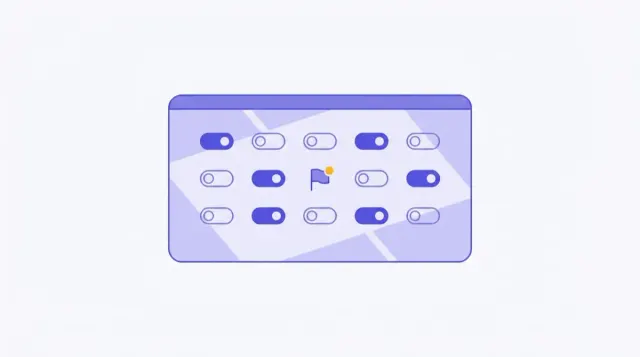
What chrome://flags is, how to use it safely, 15 real flags worth enabling in 2026, and how to reset all flags if something breaks.
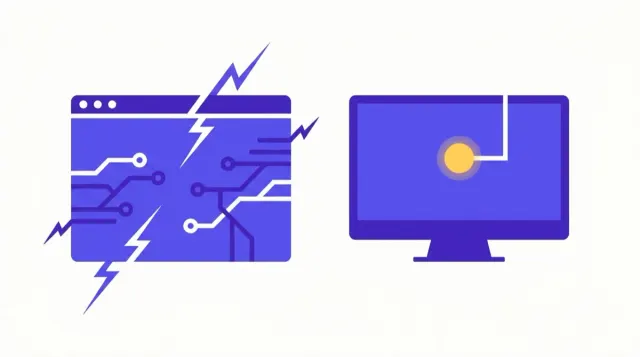
Chrome screen flickering is usually caused by hardware acceleration or GPU drivers. Here are 9 proven fixes for Windows and Mac.
Complete guide to Chrome bookmarks on a Chromebook — adding, searching, organizing into folders, exporting as a backup, and recovering dead links.
Exact steps to clear cache in Chrome on Windows, Mac, Android, and iPhone — plus what clearing cache does and does not affect, including your bookmarks.
Reopen a tab you just closed with Ctrl+Shift+T, right-click the tab strip, or the History page — and what to do after a crash.
Show or hide Chrome's bookmarks bar using a keyboard shortcut, the menu, or settings — covers Windows, Mac, Chromebook, and mobile.
Step-by-step guide to exporting Chrome bookmarks as a bookmarks.html file on desktop, plus what backup actually means for your saved links.
Chrome freezing or hanging? 11 proven fixes — from Chrome's built-in Task Manager to disabling hardware acceleration, clearing cache, and checking for malware.
Three ways to hide Chrome's bookmarks bar — keyboard shortcut, Settings menu, and the 'Only on New Tab' middle-ground option explained.
Every method to delete bookmarks in Chrome on Windows, Mac, and Linux — from a single click to bulk-deleting hundreds at once.
How to delete bookmarks on a Chromebook using Chrome's address bar, bookmarks bar, and Bookmark Manager — with touchpad and touchscreen tips.
Step-by-step instructions to delete bookmarks in Chrome, Safari, Edge, and Firefox — including bulk deletion and finding duplicates you no longer need.
Four ways to restore Chrome bookmarks: sync re-login, HTML import, Bookmarks.bak file, and what to do when none of them apply.
How to reopen closed tabs and restore your Chrome session after a restart, crash, or accidental close — keyboard shortcuts, settings, and history tricks.
Set up Chrome kiosk mode with the --kiosk command-line flag on Windows, Mac, and Linux, or via the Admin console on ChromeOS.
Mozilla shut down Pocket in 2025. Here are the best iPhone replacements for saving and reading articles, including what works with existing bookmarks.
Mozilla shut down Pocket on July 8 2025. The Chrome extension no longer works. Here are the best one-click save alternatives for Chrome.
Mozilla shut down Pocket in 2025. Here's what happened, how to recover your saved articles, and the best read-it-later alternatives available now.
A practical roundup of the best Chrome extensions for productivity in 2026 — covering ad blocking, password management, writing, tab control, and bookmarks.
Step-by-step instructions for moving bookmarks to Chrome from Safari, Firefox, Edge, or another Chrome install — including cross-device transfers.
Honest roundup of web archive alternatives: archive.today, Bing cache (gone), Google cache (gone), Webrecorder/Browsertrix, and browser save-as.
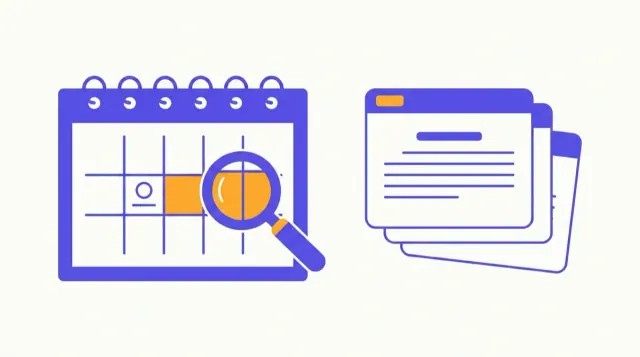
A complete guide to navigating web.archive.org: calendar view, snapshot density, Save Page Now, API lookups, and known limitations.
How to use the Wayback Machine and other tools to find archived versions of websites, pages, and articles that have gone offline or changed.
Chrome white screen is usually a GPU, extension, or corrupted profile issue. Here are 8 fixes from fastest to most thorough.