CHROME BOOKMARKS
Chrome Bookmarks: The Complete Guide to Saving, Finding and Organizing
Chrome bookmarks explained: save with Ctrl+D, search the Bookmark Manager, organize into folders, sync across devices, and fix dead links.
All 20 Bookmend articles on chrome bookmarks, newest first.
Chrome bookmarks explained: save with Ctrl+D, search the Bookmark Manager, organize into folders, sync across devices, and fix dead links.
Chrome stores bookmarks in a JSON file called Bookmarks inside your profile folder. Exact paths for Windows, Mac, and Linux, plus multiple-profile tips.
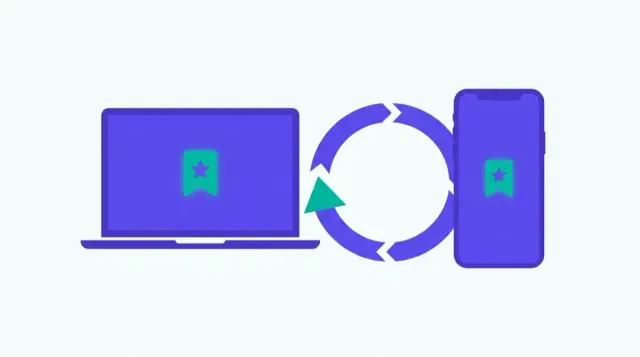
Turn on Chrome bookmark sync, understand what syncs and what doesn't, and fix common problems like paused sync or bookmarks missing on a second device.
Keyboard shortcuts and step-by-step instructions for saving bookmarks in Chrome, Safari, Firefox, Edge, and mobile browsers — all in one place.
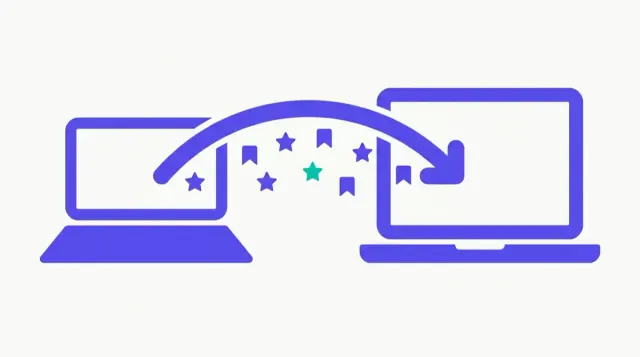
Two methods for copying Chrome bookmarks between computers: Google account sync and manual export/import — when to use each and how to do both.
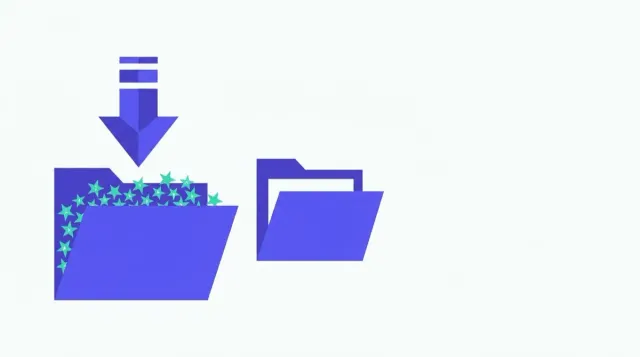
How to import a bookmarks.html file into Chrome: two import paths, what Chrome does with the file and its folders, and how to fix a failed import.
How to permanently remove the bookmarks bar in Chrome, Firefox, Edge, and Safari — keyboard shortcuts, settings paths, and what each option actually does.

Folder strategies, Chrome search tips, cleanup routines, and honest advice on when a large bookmark collection has outgrown manual management.

Find your bookmarks in Chrome, Firefox, Safari and Edge: the bookmark manager vs the bookmarks bar, and what to do if your bookmarks seem to have disappeared.

Show, hide, and organize Chrome's bookmarks bar with the keyboard shortcut, the three-option dropdown, folders, and drag-to-reorder — all covered here.

Google Bookmarks (google.com/bookmarks) shut down September 30, 2021. This guide explains what that means and how to find your Chrome bookmarks today.
Complete guide to Chrome bookmarks on a Chromebook — adding, searching, organizing into folders, exporting as a backup, and recovering dead links.
Show or hide Chrome's bookmarks bar using a keyboard shortcut, the menu, or settings — covers Windows, Mac, Chromebook, and mobile.
Step-by-step guide to exporting Chrome bookmarks as a bookmarks.html file on desktop, plus what backup actually means for your saved links.
Three ways to hide Chrome's bookmarks bar — keyboard shortcut, Settings menu, and the 'Only on New Tab' middle-ground option explained.
Every method to delete bookmarks in Chrome on Windows, Mac, and Linux — from a single click to bulk-deleting hundreds at once.
How to delete bookmarks on a Chromebook using Chrome's address bar, bookmarks bar, and Bookmark Manager — with touchpad and touchscreen tips.
Step-by-step instructions to delete bookmarks in Chrome, Safari, Edge, and Firefox — including bulk deletion and finding duplicates you no longer need.
Four ways to restore Chrome bookmarks: sync re-login, HTML import, Bookmarks.bak file, and what to do when none of them apply.
Step-by-step instructions for moving bookmarks to Chrome from Safari, Firefox, Edge, or another Chrome install — including cross-device transfers.