CHROME BOOKMARKS
Chrome Bookmarks: The Complete Guide to Saving, Finding and Organizing
Chrome bookmarks explained: save with Ctrl+D, search the Bookmark Manager, organize into folders, sync across devices, and fix dead links.
Guides to Chrome bookmarks, tabs and link rot, how the Wayback Machine and other web archives work, and honest comparisons of the tools people use to save the web.
Chrome bookmarks explained: save with Ctrl+D, search the Bookmark Manager, organize into folders, sync across devices, and fix dead links.
Step-by-step guide to deleting bookmarks in Safari and Chrome on Mac — single bookmarks, bulk delete, and how to undo accidental deletions.

Keyboard shortcuts and step-by-step instructions for bookmarking in Safari, Chrome, Firefox, and Edge on Mac — plus how to organize what you save.
Step-by-step guide to exporting your Microsoft Edge favorites to a bookmarks.html file — three methods, what the file contains, and where it saves.
Chrome has no per-tab hide button, but collapsible Tab Groups, fullscreen mode, and vertical tabs all reduce visible clutter. Here's what actually works.
Pocket shut down in July 2025. Here's how Instapaper stacks up as a replacement — what it offers, who it suits, and when to skip it.
Honest review of the OneTab Chrome extension in 2026 — features, data risks, and how it compares to Chrome's now-native Tab Groups feature.
Session Buddy review 2026: features, real complaints, how it compares to Chrome's native tab tools, and whether it's still worth installing.

If archive.org won't load, the problem is usually local. Here's how to diagnose it, confirm a real outage, and what to do while you wait.
Chrome stores bookmarks in a JSON file called Bookmarks inside your profile folder. Exact paths for Windows, Mac, and Linux, plus multiple-profile tips.
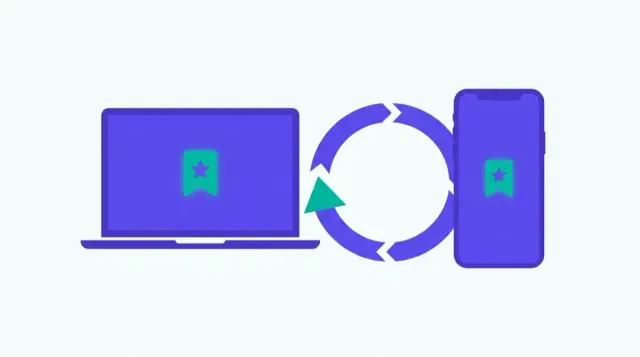
Turn on Chrome bookmark sync, understand what syncs and what doesn't, and fix common problems like paused sync or bookmarks missing on a second device.
Use Chrome's native Recent Tabs UI to see what was open on your phone from your desktop, and see recently closed tabs from your synced devices.
Keyboard shortcuts and step-by-step instructions for saving bookmarks in Chrome, Safari, Firefox, Edge, and mobile browsers — all in one place.
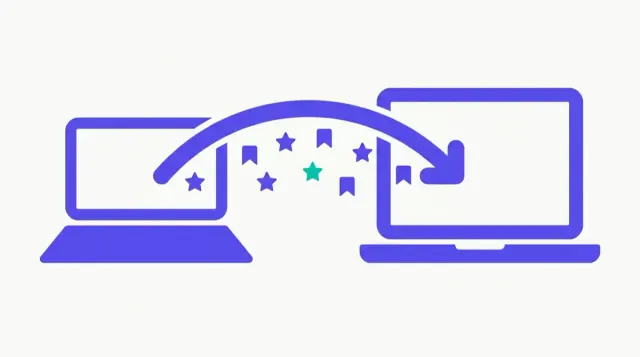
Two methods for copying Chrome bookmarks between computers: Google account sync and manual export/import — when to use each and how to do both.
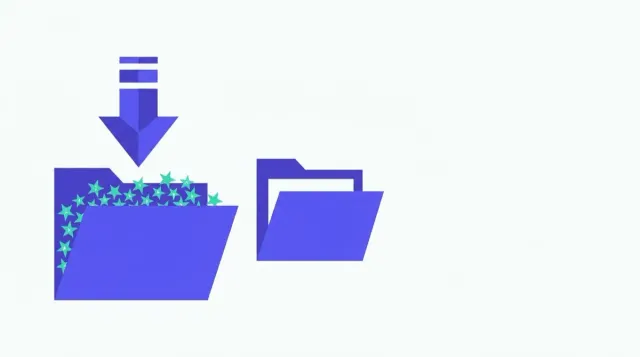
How to import a bookmarks.html file into Chrome: two import paths, what Chrome does with the file and its folders, and how to fix a failed import.
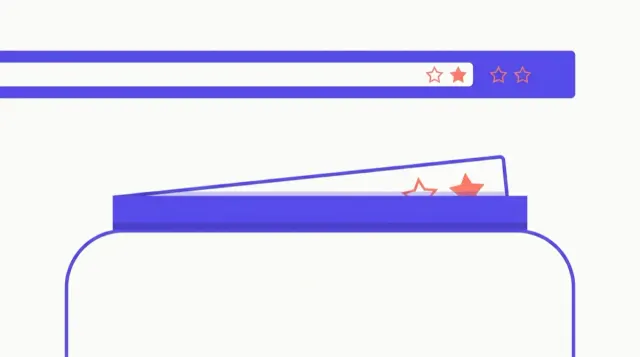
How to permanently remove the bookmarks bar in Chrome, Firefox, Edge, and Safari — keyboard shortcuts, settings paths, and what each option actually does.

Folder strategies, Chrome search tips, cleanup routines, and honest advice on when a large bookmark collection has outgrown manual management.
Compare Linkwarden, Karakeep, Linkding, and Shiori — real self-hosted tools that run on your own server — and where Bookmend fits for a different use case.
Show or hide the Edge favorites bar using Ctrl+Shift+B, the Settings menu, or a right-click — with options for Always, Never, or Only on new tabs.
Find your bookmarks in Chrome, Firefox, Safari and Edge: the bookmark manager vs the bookmarks bar, and what to do if your bookmarks seem to have disappeared.

Show, hide, and organize Chrome's bookmarks bar with the keyboard shortcut, the three-option dropdown, folders, and drag-to-reorder — all covered here.

Bookmend's free tier is local-first: no account, no uploads, no ad network. Here's exactly what stays on your device and what the Pro sync sends.
Bookmend is on the Chrome Web Store. Brave, Edge, Arc, and Opera can all install it directly because they run on Chromium — step-by-step for each.
Step-by-step guide to finding, viewing, copying, and exporting saved passwords in Chrome, including checking for compromised ones.